
PAYSTRAX Dashboard
The PAYSTRAX dashboard isn’t just for reporting – it’s an operational hub for payment insights, risk reduction, and smarter business decisions.

What is PAYSTRAX Dashboard?
The PAYSTRAX Dashboard is built to be far more than a place to check numbers after the fact. Instead of simply reporting on what has already happened, it actively supports the day-to-day decisions merchants need to make now – surfacing transaction trends, flagging unusual activity, and consolidating payment data into a single view. This positions the dashboard not as a reporting tool, but as an operational hub that helps customers save time, reduce risk, and make better business decisions. By turning raw payment data into actionable insight, PAYSTRAX empowers businesses to move from reactive analysis to proactive control over their payment operations.
DASHBOARD BENEFITS
Capabilities that help customers
Transparency
One unified view of transactions, balances, and performance across the payment ecosystem, instead of switching between systems.
Payment insights
Real-time visibility into volumes, approval rates, chargebacks, and settlement trends for faster decisions.
Efficiency
Automated data consolidation replaces manual spreadsheets, freeing teams to focus on growth and customer experience.
Detailed overviews
Drill-down views into any transaction or payment, cutting resolution times.
Control
Full visibility into balances, settlements, and disputes for confident cash flow forecasting.
Security
Role-based access and built-in fraud monitoring for stronger security and compliance.
Better support
Instant access to accurate data lets teams resolve merchant queries in one interaction.
Scalability
The dashboard scales with transaction volume, markets, and currencies, no added complexity.


PAYSTRAX Dashboard functionalities
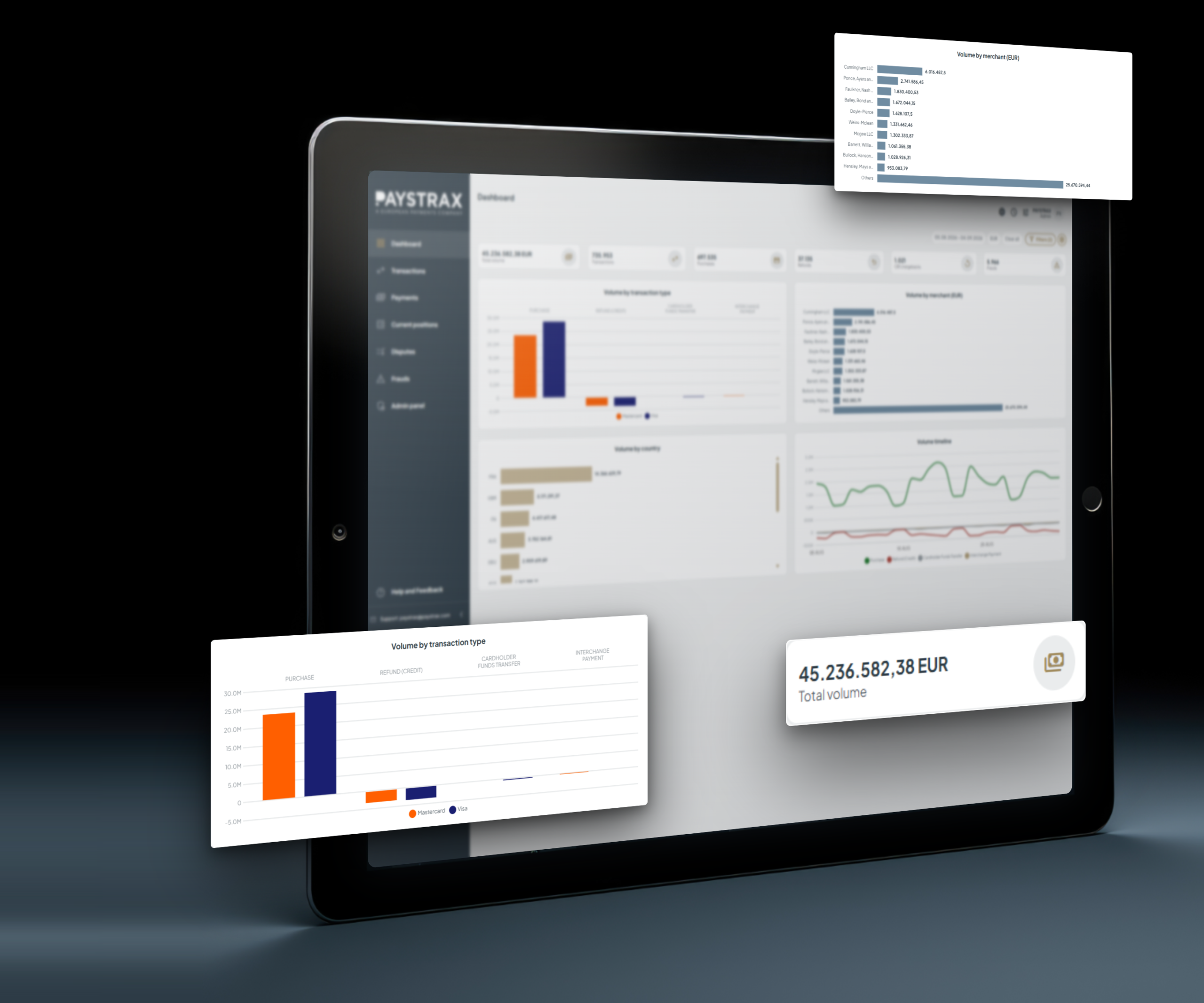
Graphical overview of transactions
Gives executives and operations teams instant visibility into transaction volumes, trends, and key metrics - without the need to manually analyse spreadsheets or reports - enabling faster decision-making and quicker identification of issues or opportunities.
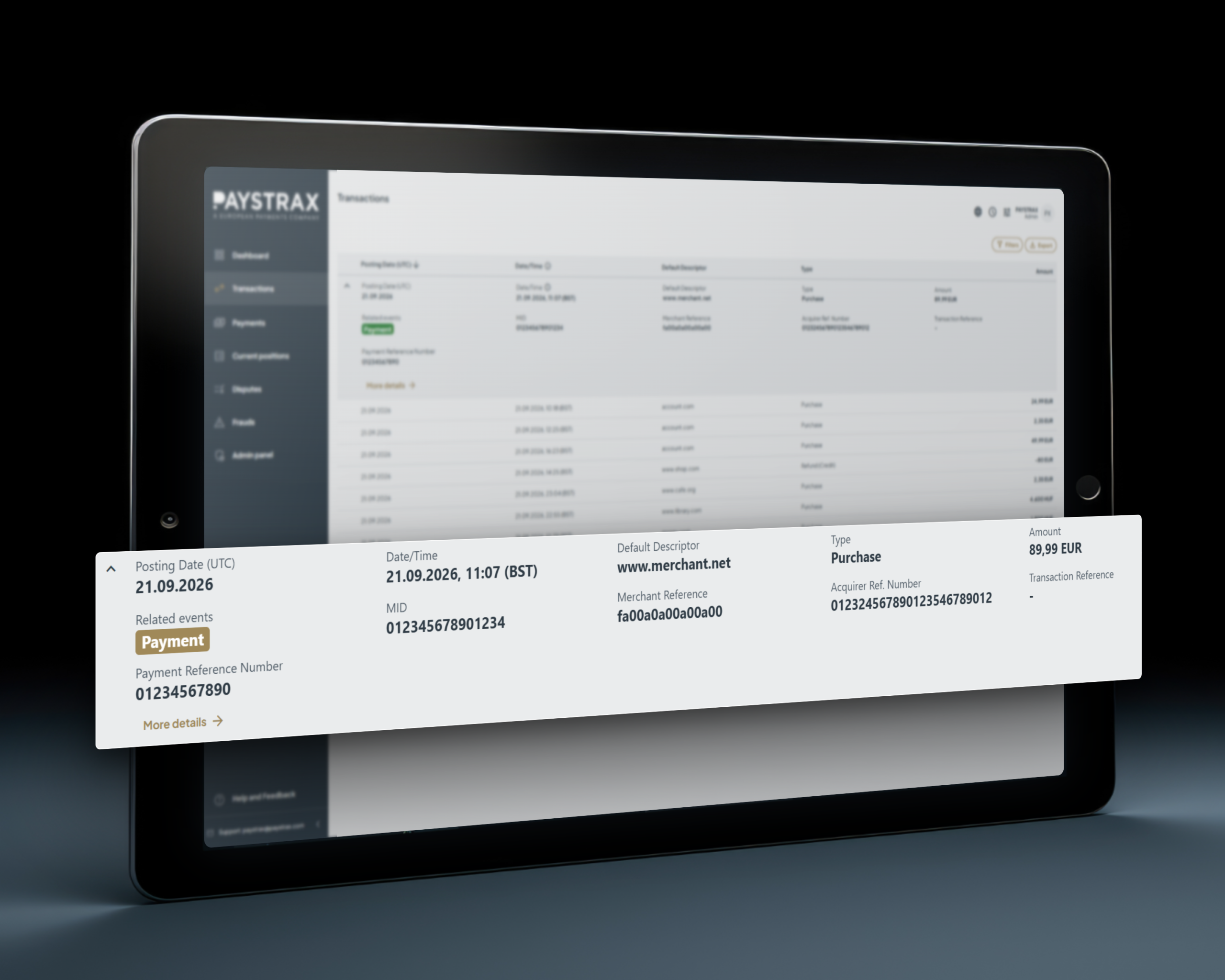
Granular detail of each transaction by merchant
Helps support, finance, and operations teams quickly investigate individual transactions when handling customer queries or reconciliation - reducing investigation time, improving customer service, and giving teams confidence in the accuracy of transactional data.
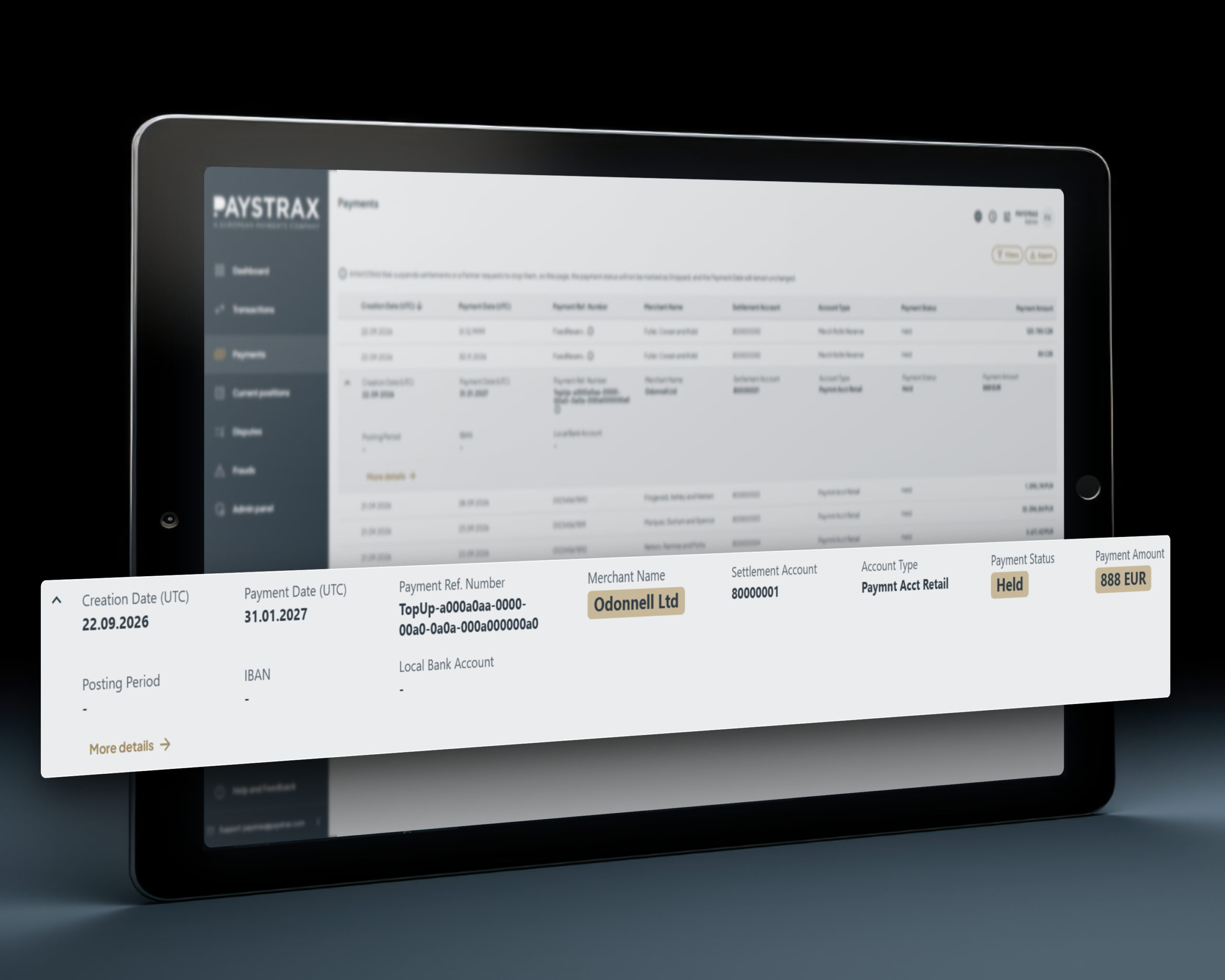
Payments made to merchants
Gives merchants full transparency over what has been paid, when, and why, while providing finance teams with an auditable payment history -improving cash flow visibility, reducing payment-related enquiries, and building trust through transparent settlement information.
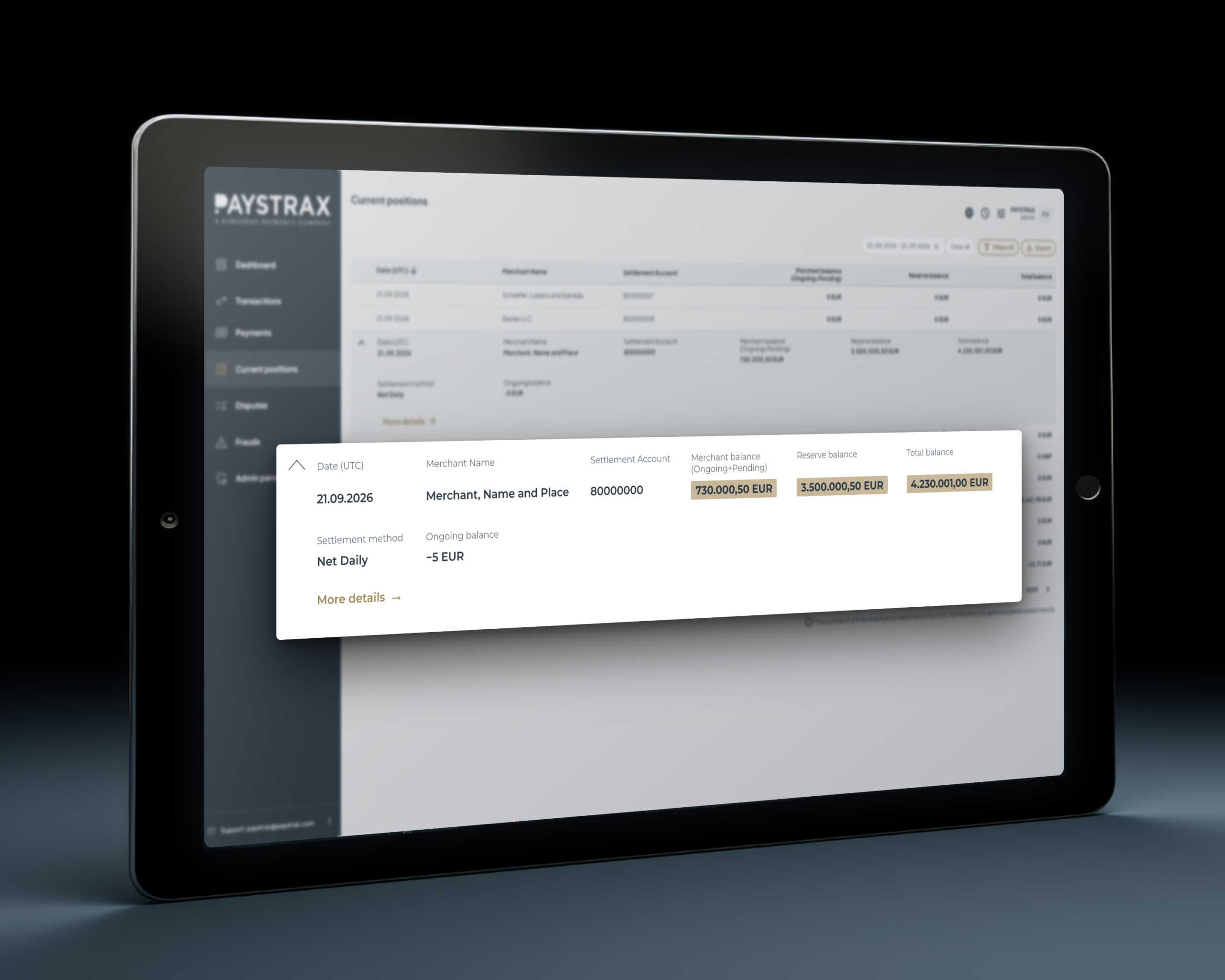
Overview of account current positions
Gives businesses clear visibility into available balances and outstanding funds to manage liquidity and operational decisions - supporting better financial planning, reducing financial uncertainty, and enabling proactive treasury management.
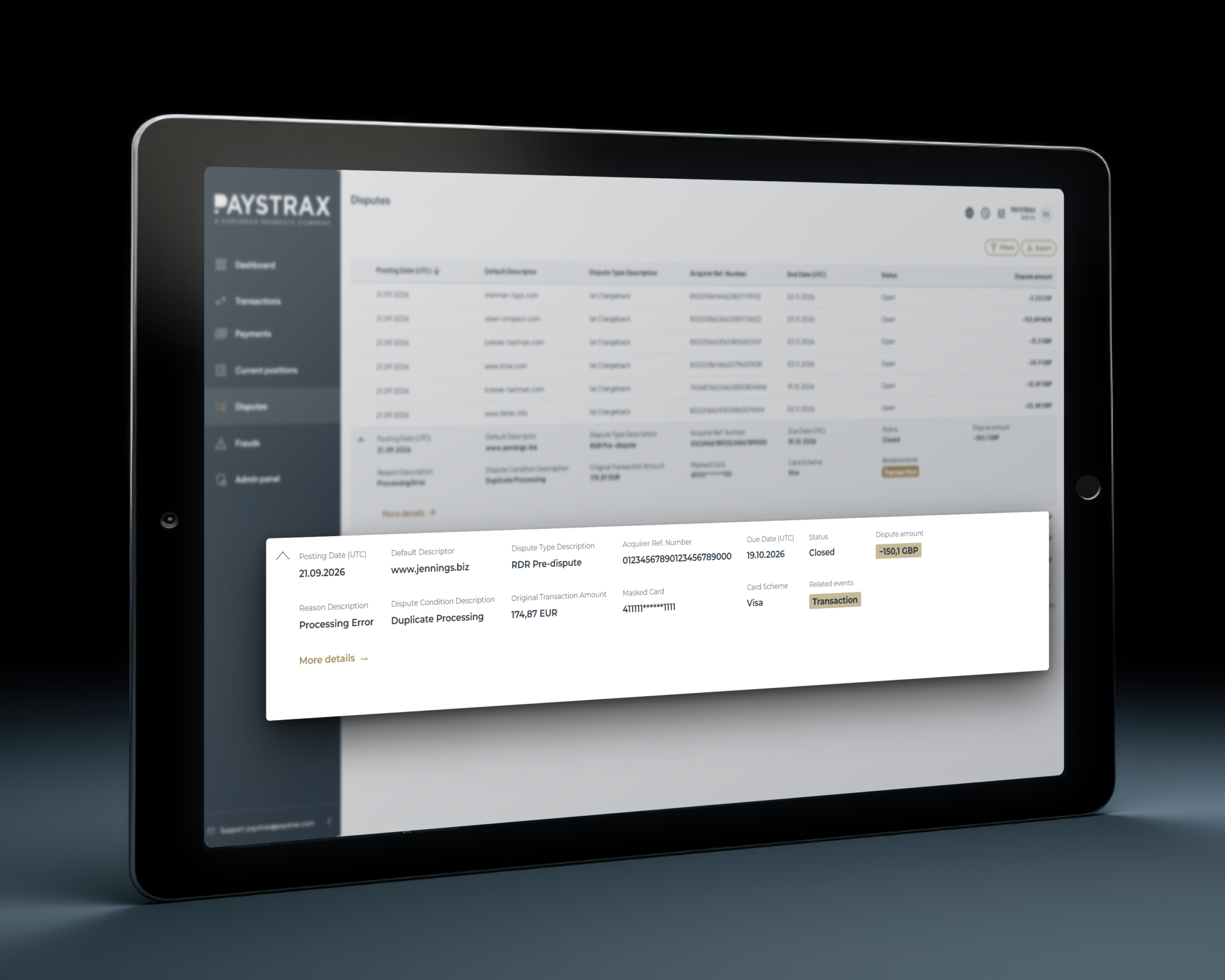
Overview of chargeback disputes
Gives teams visibility into outstanding disputes - even when managed elsewhere - helping prioritise dispute management, reduce the risk of missed deadlines, and minimise potential financial losses.
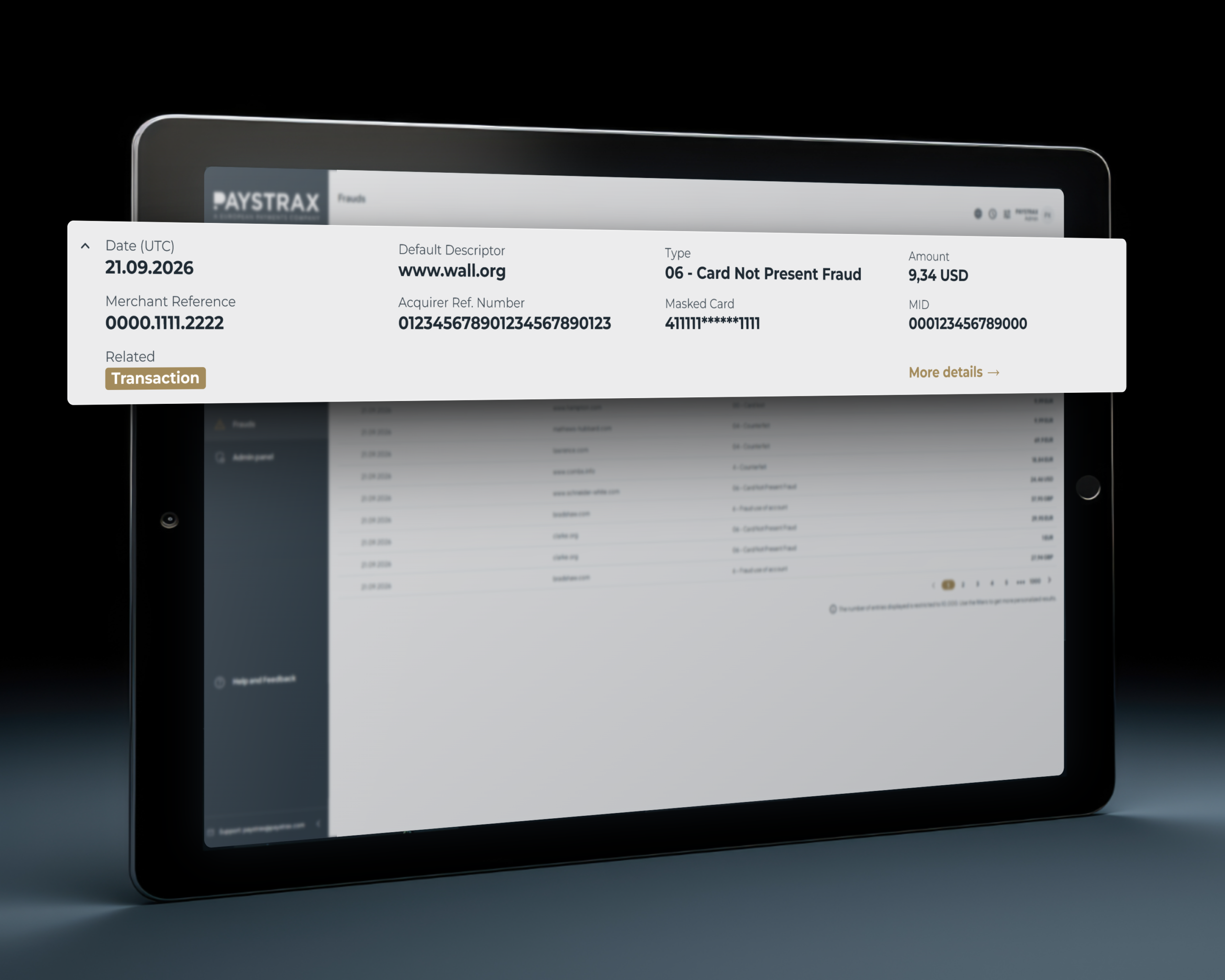
Overview of flagged fraudulent transactions
Helps fraud teams quickly identify suspicious activity to minimise losses and protect customers - enabling faster fraud investigations, strengthening risk management, and helping protect both merchants and customers from fraudulent activity.
Easy navigation and management
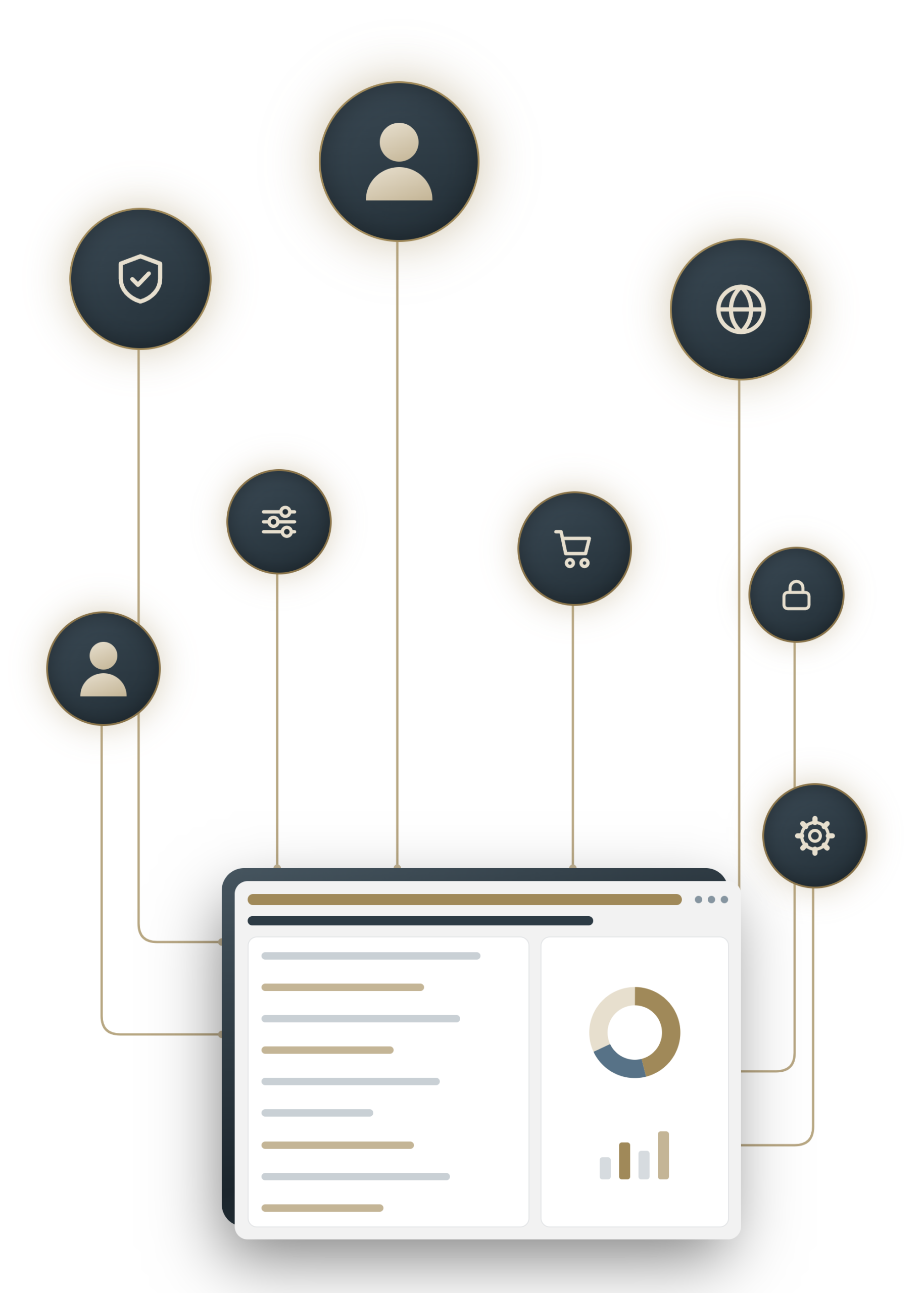
Ensure employees only access information relevant to their role, protecting sensitive financial data, while filter options make it easy to find exactly the data you need. This strengthens security, supports regulatory compliance, and reduces administrative overhead.

User management
Role-based permissions simplify onboarding and offboarding, reducing administrative overhead.

Various filters
Filter options make it easy to find the right data quickly, so relevant information is always within reach.

USER GUIDES
How to navigate in PAYSTRAX Dashboard?
The PAYSTRAX dashboard is designed to be intuitive from the very first login – everything you need is laid out clearly, so you can move between transactions, balances, and reports without any guesswork. And if you ever want a bit more guidance, our user guides are available right here to walk you through every feature step by step.
Frequently asked questions
What is the PAYSTRAX Dashboard?
It’s a centralised platform that gives merchants and finance teams clear visibility into transactions, payments, balances, disputes, and fraud alerts – all from a single interface.
Who is the dashboard designed for?
It’s built for a range of users, including executives, operations teams, finance teams, support staff, and fraud teams, each of whom can access the insights most relevant to their role.
Where can I find guidance on how to use the dashboard?
Support documentation and user guides are available here. For specific questions, customers can also reach out directly to the PAYSTRAX support team for guidance on the dashboard itself.
Can I control who has access to certain information on the dashboard?
Yes. The Admin Panel allows organisations to manage user access, ensuring employees only see information relevant to their role while keeping sensitive financial data protected. Admins can create and manage user accounts, assign role-based permissions, control access to specific features and data, and handle onboarding and offboarding – giving organisations full control over who sees what, and simplifying user management as teams grow or change.
How does the dashboard help with disputes and fraud?
It provides visibility into chargeback disputes and flagged fraudulent transactions, helping teams prioritise investigations, respond faster, and reduce potential financial losses.
Does the dashboard help with cash flow and liquidity management?
Yes. The Current Positions overview gives businesses clear visibility into available balances and outstanding funds, supporting better financial planning and more proactive treasury management.
Can’t find answer to your question?